
CARA PAKAI BOOTABLE USB
July 14, 2026
Blog Post
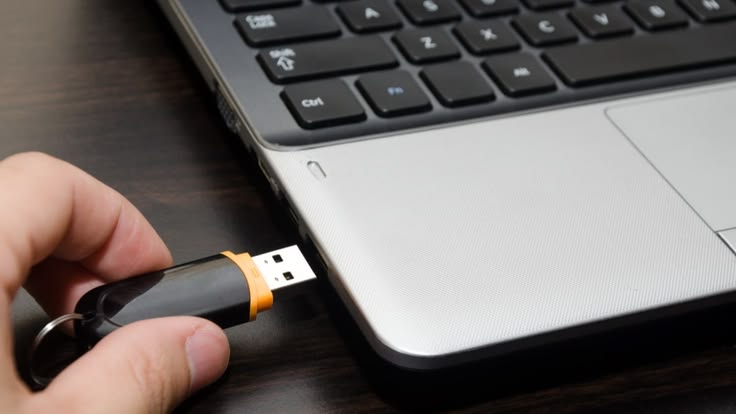
1. Masukkan Flashdisk Bootable
- Colok flashdisk bootable ke laptop/PC
- Pastikan laptop dalam keadaan mati
2. Masuk BIOS / Boot Menu
- Nyalakan laptop
- Tekan tombol berulang: F2 / F12 / ESC / DEL (tergantung merk)
- Masuk ke Boot Menu Pilih USB / Flashdisk sebagai boot utama
3. Boot dari Flashdisk
- Laptop akan restart otomatis
- Akan muncul tampilan installer (contoh: Windows) Artinya boot berhasil
4. Lanjutkan (Contoh Install Windows)
- Pilih bahasa, waktu, keyboard
- Klik Next → Install Now
- Ikuti langkah sampai selesai
Versi Super Singkat (buat hafalan)
- Colok USB → Masuk Boot Menu → Pilih USB → Install Windows